Skip to content

    [email protected]

    Sales/Support: +44 (0)121 816 1218

    • Home
    • IT Services
      • IT Support
      • Backup Technologies
      • Cyber Security
      • Unified Communications
    • Cloud Computing
      • Hosted Desktops
      • Microsoft 365
    • Resources
    • Contact Us
    Security Tip

    Setting Up Multi-Factor Authentication (MFA) in Microsoft 365

    4 July 2026

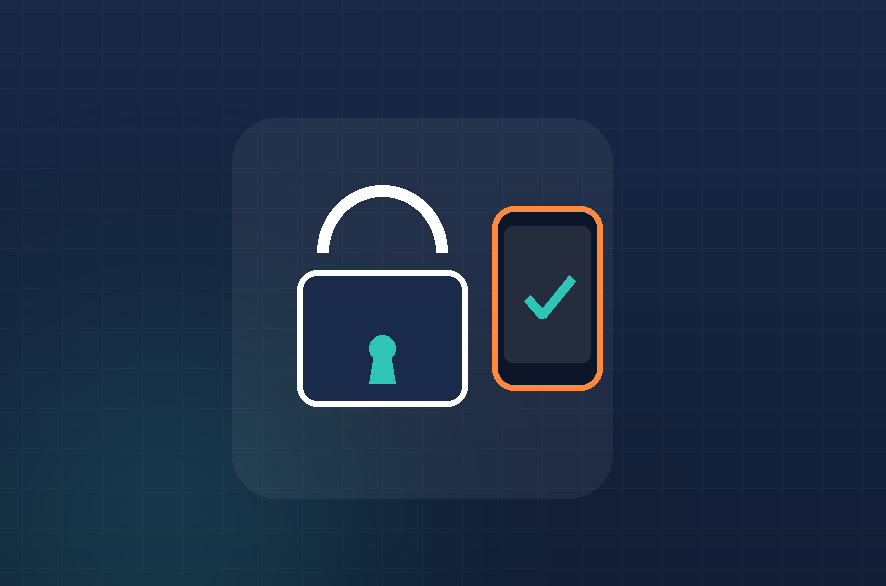
    Multi-Factor Authentication adds an extra layer of security to your account, so even if your password is stolen, a criminal still can’t get in without your phone or authenticator app. It only takes a few minutes to set up and significantly reduces the risk of your account being compromised.

    Setting up MFA

    1. Go to https://aka.ms/mfasetup and sign in with your work account.
    2. If prompted, click Next to begin the setup process.
    3. Choose your preferred verification method:
      • Microsoft Authenticator app (recommended) — generates a code or sends a push notification to approve
      • Text message — sends a code to your mobile number
      • Phone call — an automated call asking you to confirm
    4. Follow the on-screen instructions to link your chosen method (e.g. scan a QR code with the Authenticator app).
    5. Click Next, then complete a test verification to confirm it’s working.
    6. Click Done — MFA is now active on your account.

    A few tips:

    • The Microsoft Authenticator app is faster and more reliable than SMS, and works even without mobile signal.
    • Set up a backup method (e.g. a second phone number) in case you lose access to your primary device.
    • If you get an MFA prompt you didn’t trigger yourself, deny it and change your password immediately — this could be a sign someone else has your credentials.
    ←Previous
    Next→

    Recent Post

    • Spotting a Phishing Email Before You Click
      Spotting a Phishing Email Before You Click
      20 July 2026
    • Recalling or Replacing a Sent Email in Outlook
      Recalling or Replacing a Sent Email in Outlook
      4 July 2026
    • Setting Up Multi-Factor Authentication (MFA) in Microsoft 365
      Setting Up Multi-Factor Authentication (MFA) in Microsoft 365
      4 July 2026
    • Apply retention labels to files in Sharepoint
      Apply retention labels to files in Sharepoint
      25 March 2025
    • Adding a Shared mailbox to Outlook
      Adding a Shared mailbox to Outlook
      25 March 2025

    Contact Us


      [email protected]

      +44 (0)121 816 1218


      IT Services

      IT Support
      Backup Technologies
      Cyber Security
      Unified Communications

      Cloud Computing

      Hosted Deskops
      Microsoft 365

      Resources
      Contact Us

      Copyright © 2026, All Rights Reserved.

      Privacy Policy